

OSRS clan tools / Rank tracker
OSRS clan rank tracker
Anemity turns your members' Old School RuneScape progress into clan points and ranks. Members complete tasks, earn points and see their next rank, and staff review each rank before applying it in game.
See how it worksVerify each character first
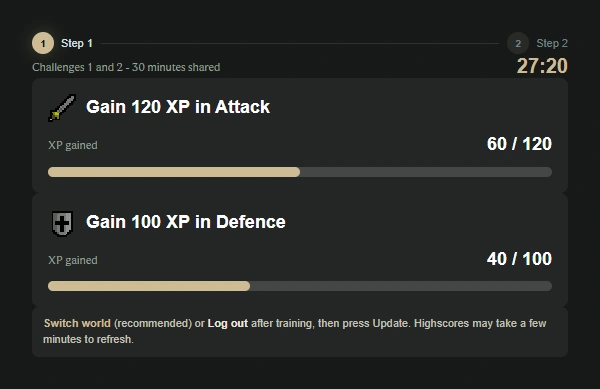
Connecting a character takes three small XP challenges. The first two share a 30-minute window and the last has its own 20-minute window. Members train, log out or switch worlds, then press Update while the hiscores catch up.
If a character is already connected to another account, reclaiming it takes five fresh challenges. Ranks and points are not transferred from the previous owner.
Step-by-step verification guide
Earn points from clan tasks
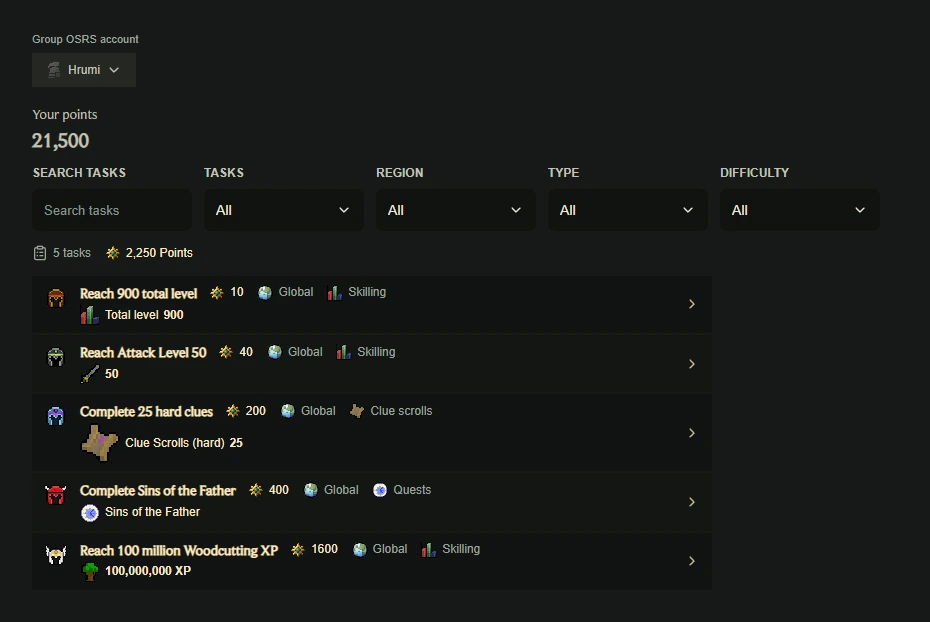
Each task shows its requirements, difficulty, points and completion status. Completing tasks adds points toward the next rank.
The official catalog includes level goals at 65, 75, 85 and 95 in every skill, boss kill-count milestones, quest and diary totals, minigames such as Guardians of the Rift and Soul Wars, combat-achievement groups, and collection-log items, sets and outfits.
Follow the official rank path
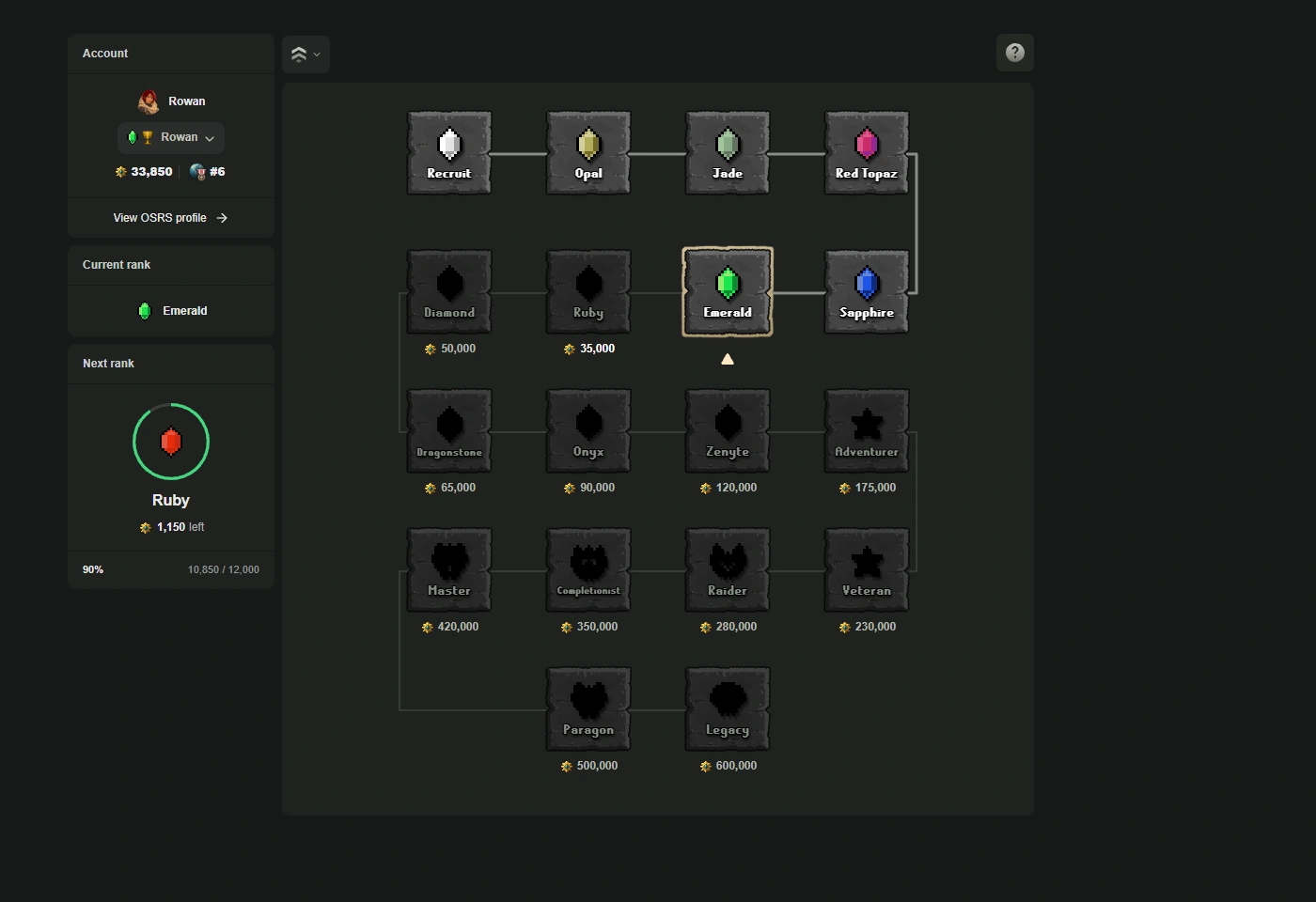
My progression shows a member's points, current rank and the ranks ahead. A ring measures progress between the current rank and the next one.
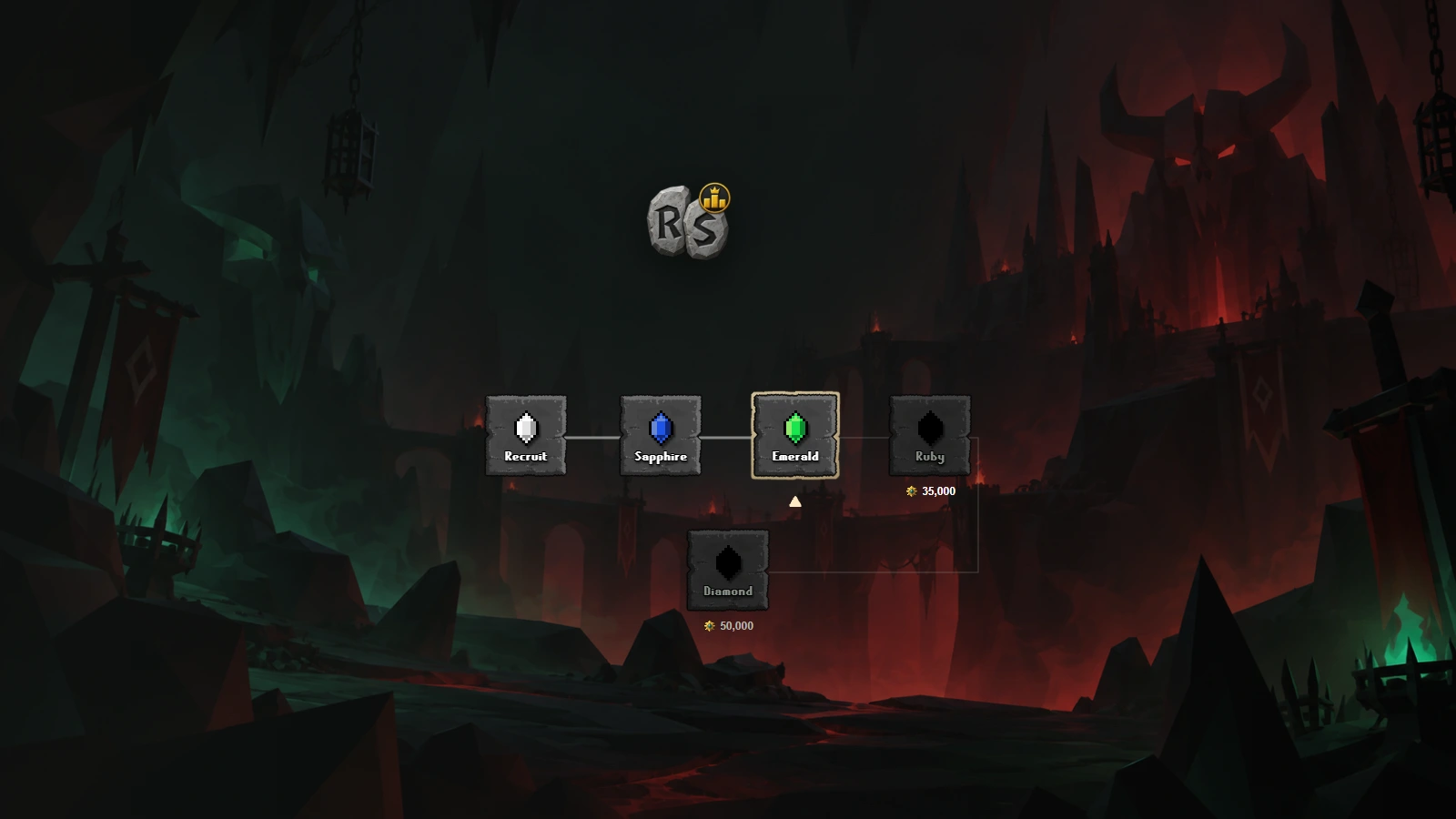
The official ladder has 18 ranks, from Recruit to Legacy at 600,000 points.
See every rank and the points it needs
Use your own ranks and tasks
Clans can configure their own ranks while staying on the official task system, or switch to custom tasks. Saving edits to official tasks turns them into custom tasks, stops automatic official task updates and removes the group from global leaderboards.
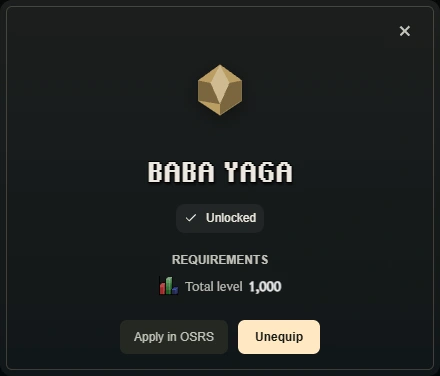
Members can unlock custom ranks, equip their icons in Anemity and ask staff to display a chosen rank in OSRS. Cooldowns keep rank switches manageable for staff.
Review ranks before they go in game
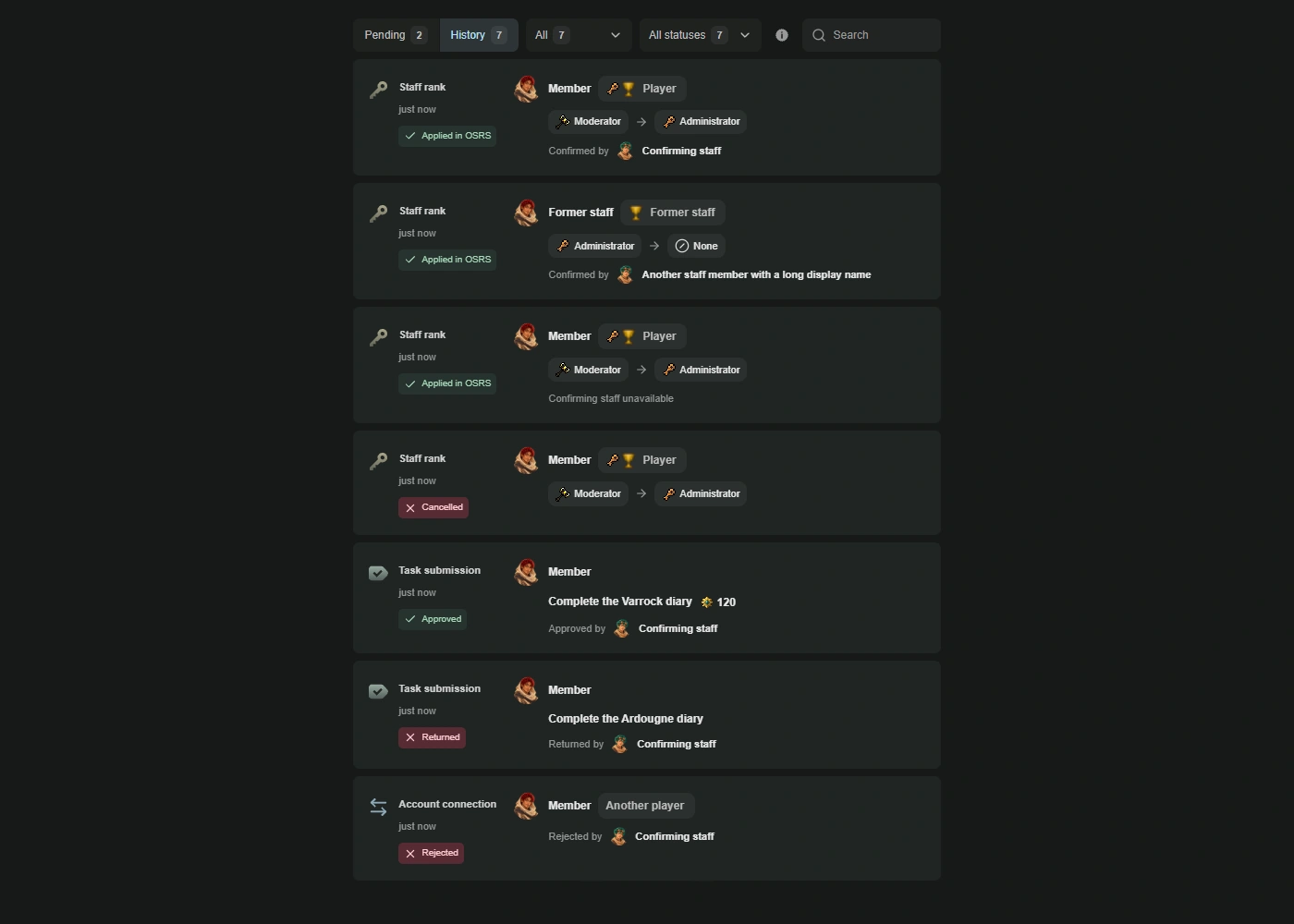
Reviews gathers pending rank confirmations, task submissions and account connections, with filters, counts and search. Task evidence stays with its submission.
The History tab keeps resolved decisions, including who made them and when, so your clan has a clear record. Apply ranks in OSRS first, then confirm them in Anemity.
Separate progress for mains and alts
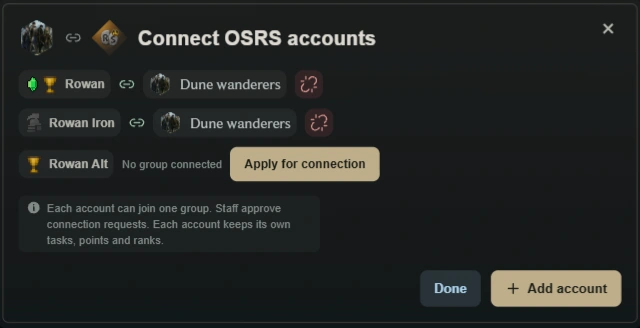
Several OSRS characters can join the same group, each with its own tasks, points and rank. Achievements are never pooled between characters, and staff approve each connection.
Questions from clan leaders
How are clan points calculated?
Each task has a point value. Completing a task adds its points to that character's total, and each rank unlocks at a point threshold.
Can we keep our existing rank names?
Yes. Clans can configure their own ranks instead of using the official ladder.
Does Anemity change ranks in game?
No. Anemity shows who has earned a rank and collects it for review. Clan staff apply the rank in Old School RuneScape, then confirm it in Anemity.
How quickly does progress update?
Members refresh a character with Update in the account menu, with a short cooldown between updates. The official hiscores can take a few minutes to reflect recent XP.
Where does the progress data come from?
XP, levels, boss kills and other activity scores come from the official Old School RuneScape hiscores. Quests, achievement diaries, combat achievements and the collection log come from WikiSync, a RuneLite Plugin Hub plugin from the OSRS Wiki.
Members can skip WikiSync during setup and enable it later. Tasks that need quest, diary, combat-achievement or collection-log data stay unverified until that data is synced. Missing data is never shown as completed progress.
Clan staff can enable the OSRS integration from their group settings. Players can connect a character from their clan's setup guide or the group's OSRS progression page.
Set up your clan freeAnemity is not affiliated with or endorsed by Jagex. Old School RuneScape and RuneScape are trademarks of Jagex Ltd.