

OSRS clan tools / Set up clan ranks
How to set up OSRS clan ranks with Discord
Clan staff can set up OSRS rank tracking in six steps: create the clan's group on Anemity, enable the OSRS integration, choose your ranks, connect Discord, share the setup guide with members and review rank-ups as they come in.
See how it works1. Create your clan's group
Join Anemity free and create a group for your clan. Group settings hold roles, permissions and integrations, so staff manage the whole setup in one place.
2. Enable the OSRS integration
Open the group's integration settings and enable OSRS. This turns on tasks, points, ranks, reviews and, if you choose, leaderboards for your clan.
Staff assignments select specific OSRS accounts. Owner, Co-owner, Administrator and Moderator titles in the integration do not grant Anemity group permissions on their own.
3. Choose your ranks
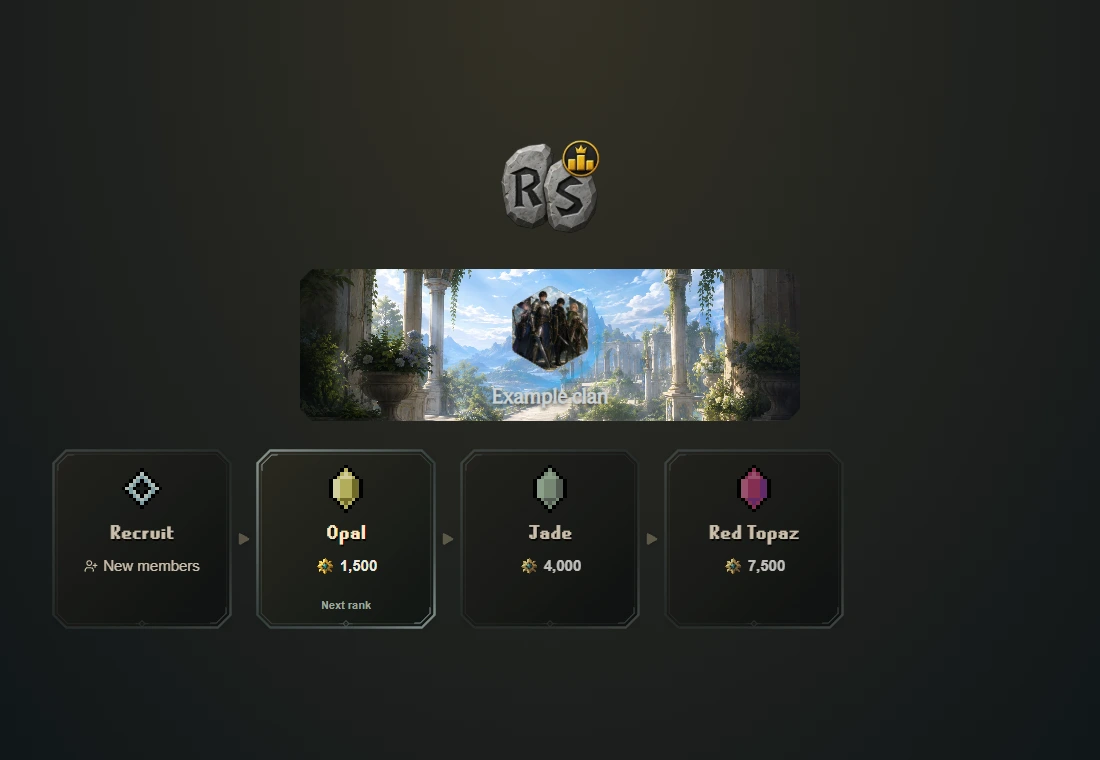
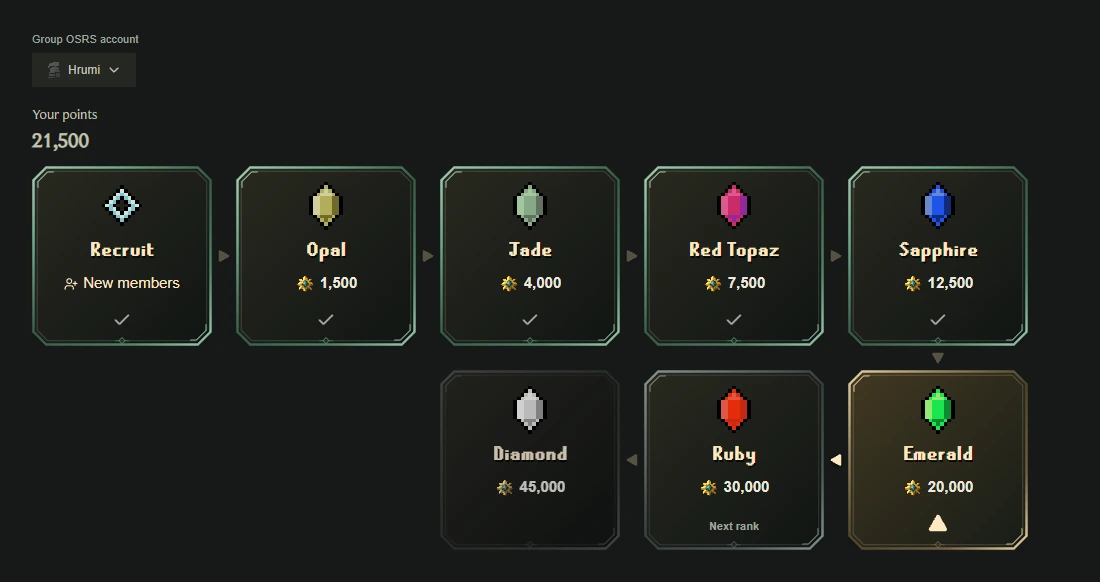
Use the official Anemity ladder or configure your clan's own ranks. Groups on the official task system can take part in the global leaderboards; editing official tasks switches the group to custom tasks and leaves the global competition.
4. Connect your Discord server
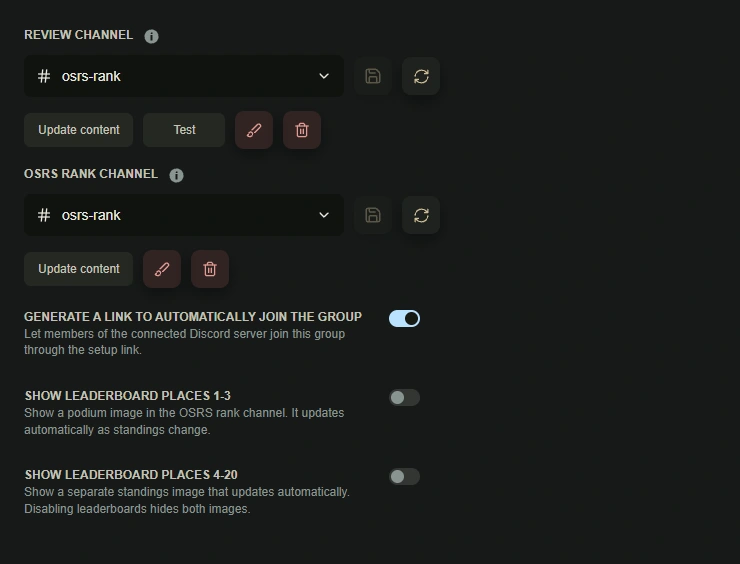
Follow the guided Discord setup to connect the clan's server. Then choose existing channels or create a review channel for staff and an OSRS rank channel for the clan.
In the rank channel, enable the automatically updated top-three podium, the places 4-20 standings image, or both.
5. Point members to the pinned guide
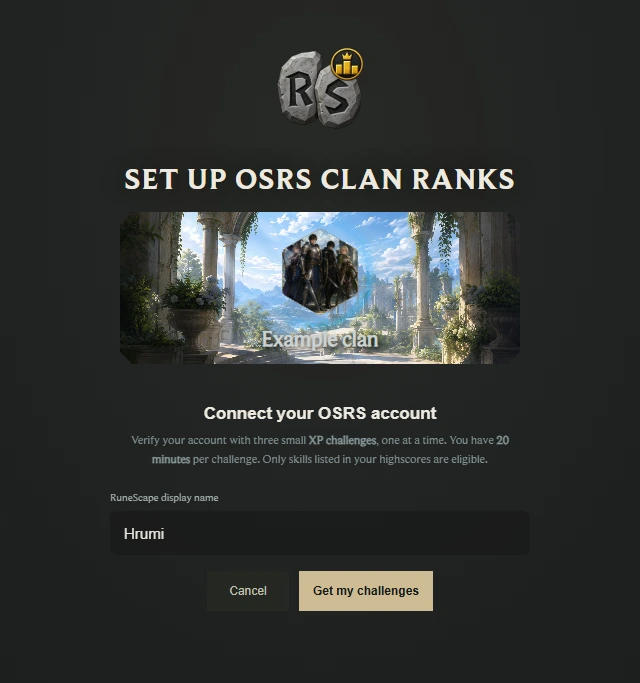
The rank channel's pinned guide opens Quick setup: Discord sign-in, group access, OSRS account connection and WikiSync checks in one flow. Members do not need an existing Anemity account.
Quick setup checks membership in your connected Discord server before adding someone to the Anemity group. It does not add anyone to the in-game clan.
How members verify their character
6. Review and confirm rank-ups
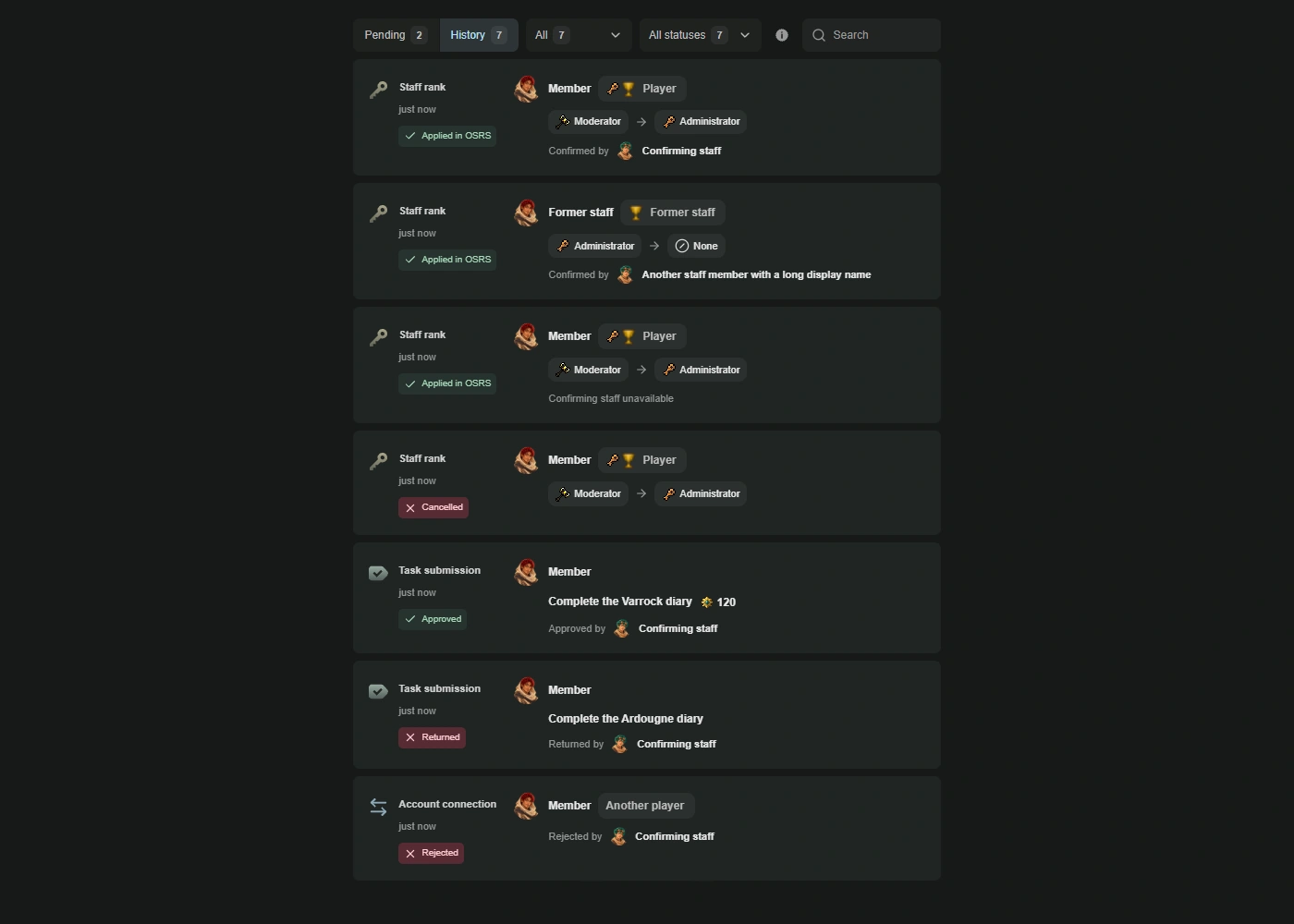
Earned ranks, task submissions and account connections arrive in Reviews. Apply each rank in Old School RuneScape first, then confirm it in Anemity. The History tab keeps every decision and who made it.
Questions from clan leaders
Does every clan member need an Anemity account?
Members who want their tasks, points and ranks tracked need an account. The quick setup in your clan's pinned Discord guide can create one with Discord sign-in and connect their OSRS character in the same flow.
Does Anemity change ranks in game?
No. Anemity shows who has earned a rank and collects it for review. Clan staff apply the rank in Old School RuneScape, then confirm it in Anemity.
Can we keep our existing rank names?
Yes. Clans can configure their own ranks instead of using the official ladder.
Do we need Discord?
No. Ranks, tasks, reviews and leaderboards all work on Anemity. Discord adds the rank channel, staff review messages and the pinned setup guide for members.
Ready to start? Create your clan's group, then open its integration settings to enable OSRS.
Set up your clan freeAnemity is not affiliated with or endorsed by Jagex. Old School RuneScape and RuneScape are trademarks of Jagex Ltd.