

Latest news / OSRS update
OSRS clan ranks: your next adventure
Connect your OSRS account, discover clan tasks and follow your next rank, with a guided Discord setup and clearer tools for clan staff.
Read the storyYour adventures in Gielinor can now become progress toward your clan’s ranks in Anemity. Whether tonight means a few clues, a quest you have been putting off or another boss trip, your group can give that progress a shared home. This update brings OSRS tasks, rank progression and a shorter route from your clan’s Discord to your next goal.
Less setup. More adventuring.
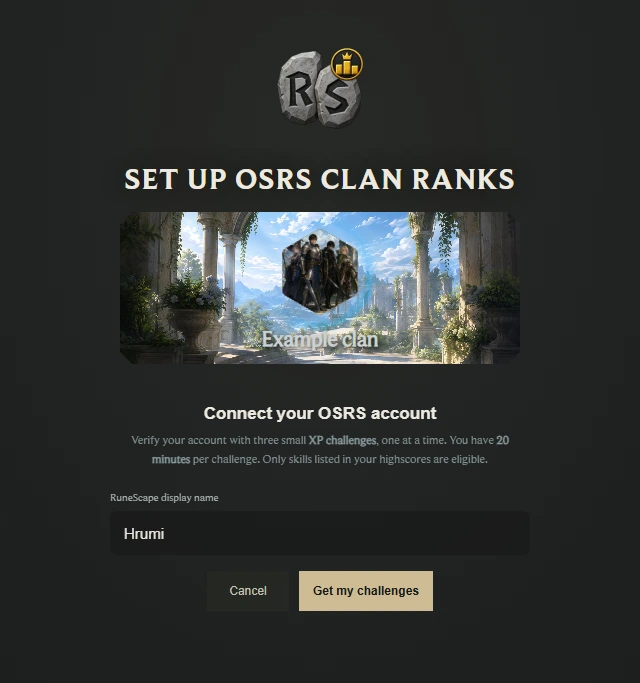
Start from your clan’s pinned Discord guide. Quick setup brings sign-in, group access, OSRS account connection and WikiSync checks into one guided flow. You do not need an existing Anemity account to get started.
New Discord registrations use your Discord name and avatar, without taking you through the full profile-customisation tour. Already connected? The flow checks what is ready and skips completed steps. Existing group members can continue without linking Discord solely to prove membership again.
For new members, the setup link checks membership in the connected Discord server before joining the Anemity group. It does not add your character to the in-game clan.
Your character, verified
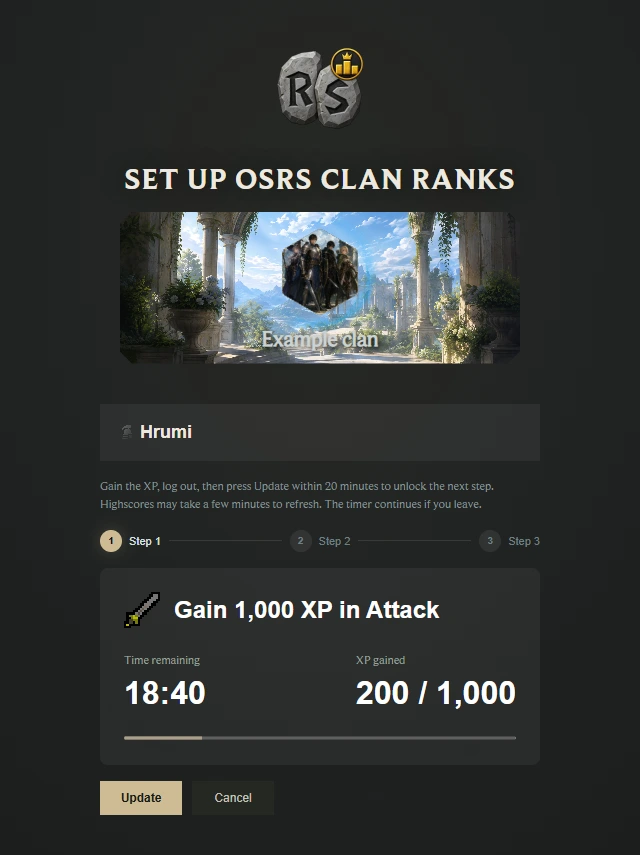
OSRS account verification uses three small XP challenges, completed one at a time. Gain the requested XP, log out of OSRS, then choose Update to check your progress. Each challenge has a 20-minute window; highscores can take a little time to catch up.
If the character is already connected to another Anemity account, a separate reclaim screen explains the next step. Reclaiming requires five fresh challenges. Ownership changes only after all five pass; group ranks and points are not transferred from the previous owner.
Bring more of your progress along
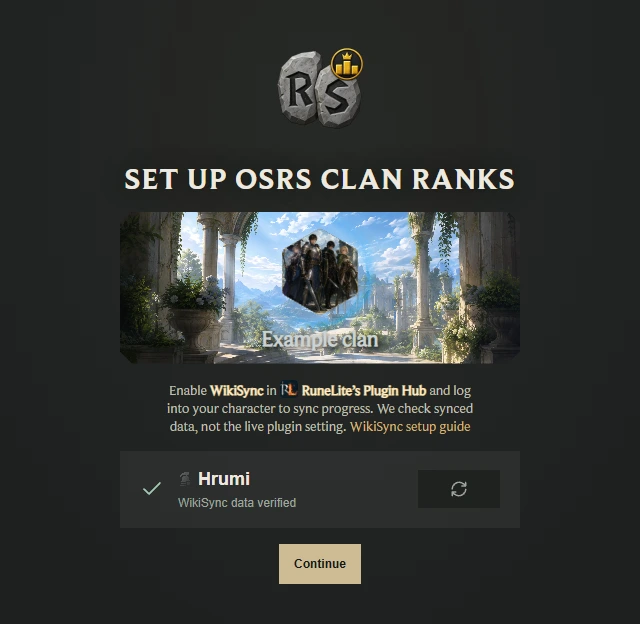
WikiSync supplies progress for quests, achievement diaries, combat achievements and the collection log. Enable it in RuneLite’s Plugin Hub and log into your character so it can upload your progress.
The setup checks automatically when you reach this step. Your account name and type stay visible while checking, and the refresh control lets you try again. Continue becomes available after data is verified. This verifies synced data, not the live setting inside RuneLite.
Find a task that fits tonight
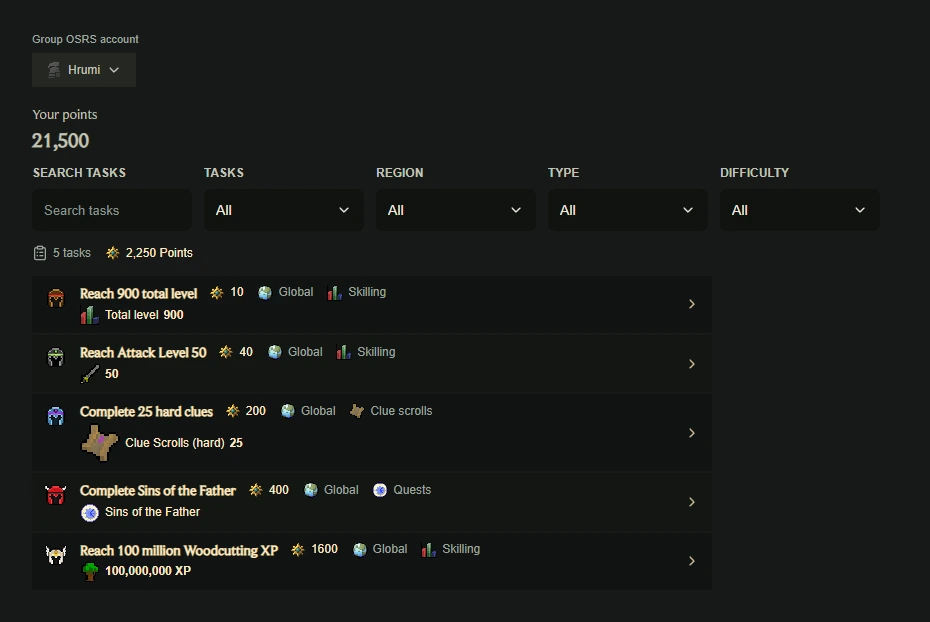
The task browser puts requirements, difficulty, points and completion status together. Search by name, or narrow the list by completion, region, activity type and difficulty. Open a task to inspect its requirements before deciding what to play.
The official Anemity task set has also been rebalanced: clue milestones account for both quantity and clue tier, with more total-level and early total-XP goals alongside long-term skilling and boss targets.
- Master quests: Sins of the Father and Recipe for Disaster now sit at Master difficulty.
- Legendary skilling: skill-XP milestones continue in 10-million steps from 100 million through 200 million.
- Legendary bossing: additional goals recognise 1,500 and 2,000 kills.
- Long-term ranks: Legacy is set at 500,000 points in the official Anemity rank ladder.
See the next rank on your path
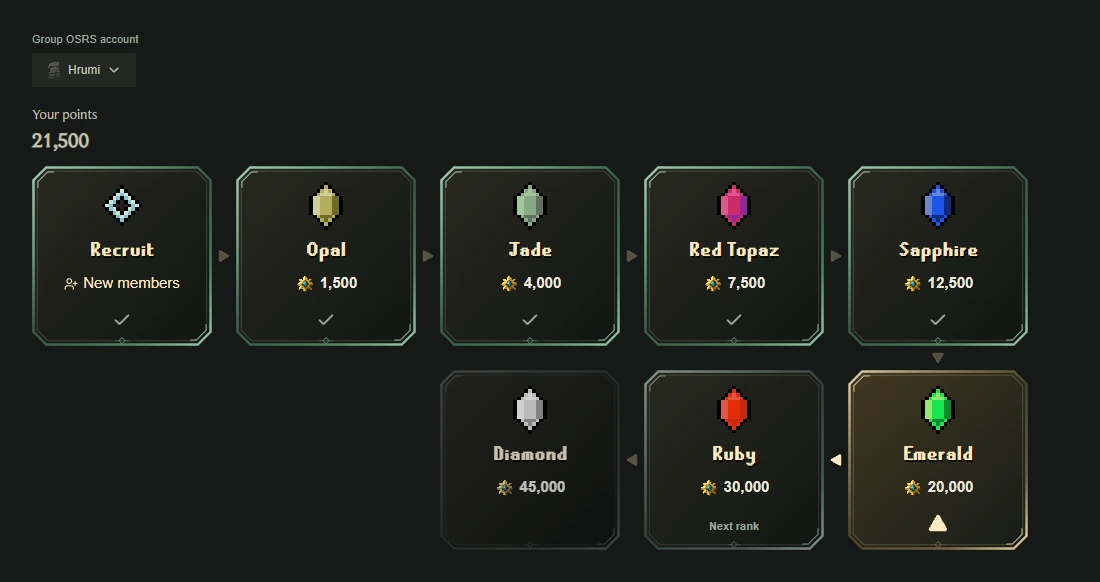
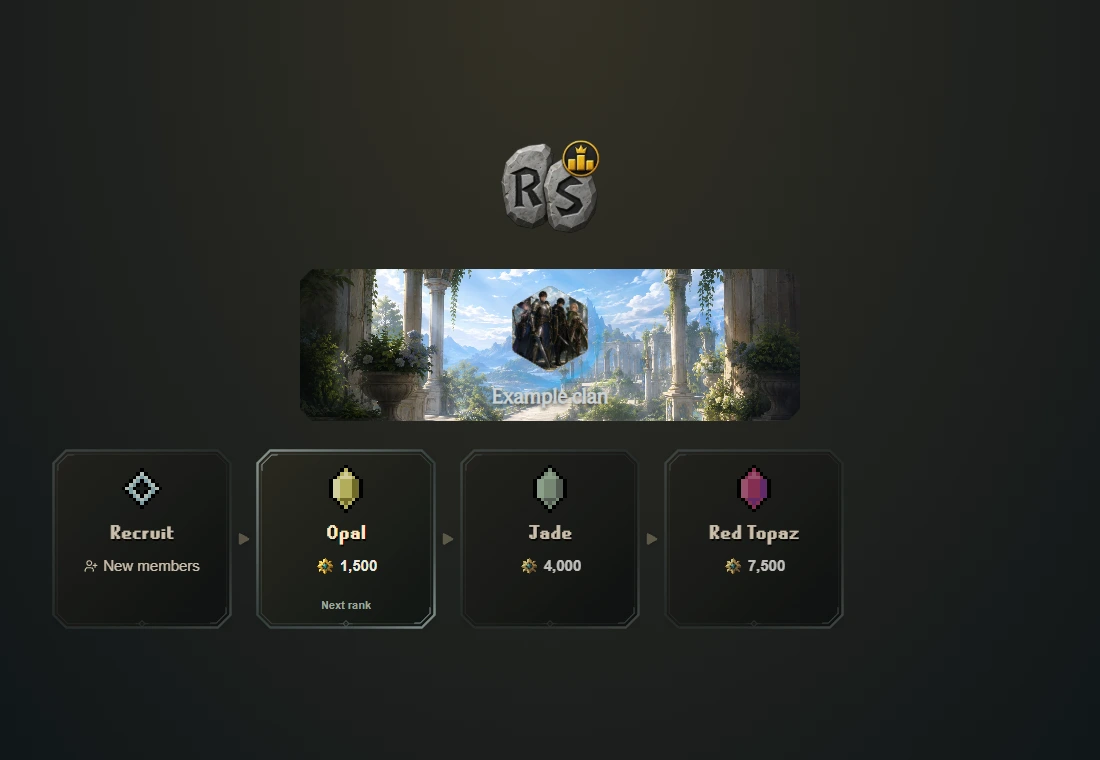
My progression shows your points, current position and the ranks ahead. Open a rank to inspect its requirements and choose the next milestone that matters to you.
Clans can use the official ladder or configure their own ranks and tasks. Reaching a requirement and receiving the rank in OSRS are distinct steps: staff review earned ranks and confirm that they have been applied in game. This is OSRS clan rank progression, separate from Anemity’s planned group-level progression and Imperium features.
One character for your clan progress
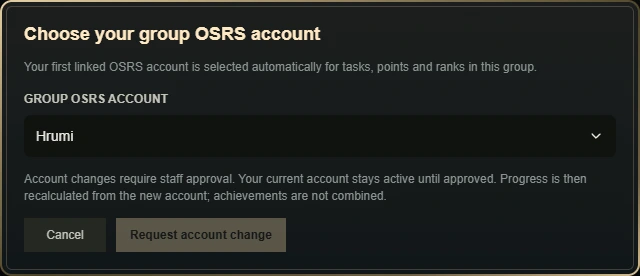
You can link more than one OSRS account to Anemity. Your group uses one selected character for tasks, points and ranks, with the first linked account selected automatically.
Open Group OSRS account beside your progression information to choose another linked character. Changes require staff approval; your current character stays active while you wait. After approval, progress is recalculated from the new account rather than combining achievements across characters.
Keep the clan in the conversation
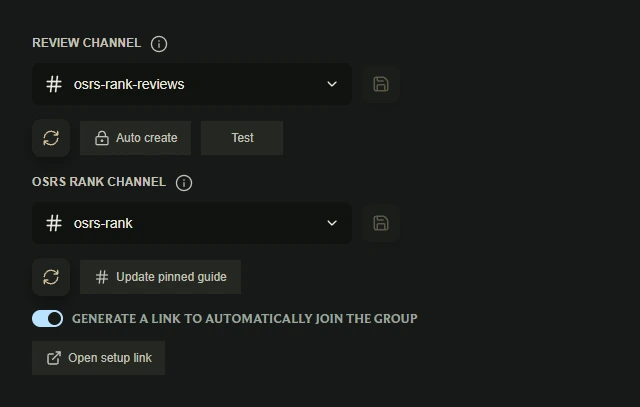
Staff can configure a review channel and an OSRS rank channel, choose existing channels or create them from the integration settings. The rank channel’s pinned guide introduces the quick setup and gives players a clear place to start.
Group activity can also be posted to a connected Discord channel as illustrated updates with a button back to the website. Activity settings let staff choose which events appear, with OSRS choices kept in the OSRS integration. Channel test controls help check the result.
The bot’s help now groups commands into categories. Use /a help or !a help, choose a category button, or enter !a help group or !a help profile. Help displays slash-style commands consistently while both command forms remain available.
Ready for the next adventure
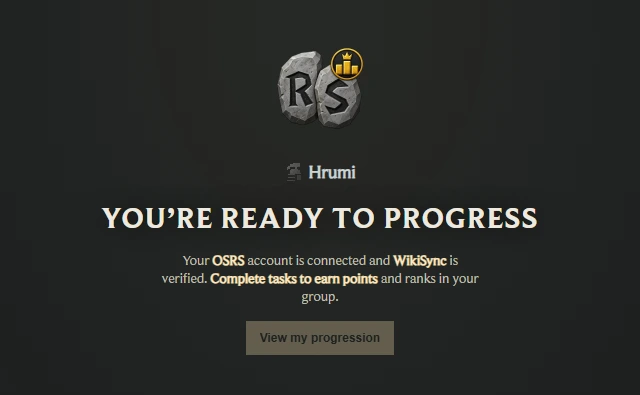
Once your group account and WikiSync checks are ready, the success page takes you straight to View my progression. Optional profile-customisation steps do not have to interrupt that journey.
Pick a task, invite your clanmates along and give yourselves another reason to return to Gielinor. Shared goals are one more way to keep a game world alive together.
Clan staff can start in their group’s OSRS integration and Discord settings. Players can use their clan’s pinned setup guide or open their group’s OSRS progression page.
Open AnemitySee you on the next adventure,
The Anemity team