

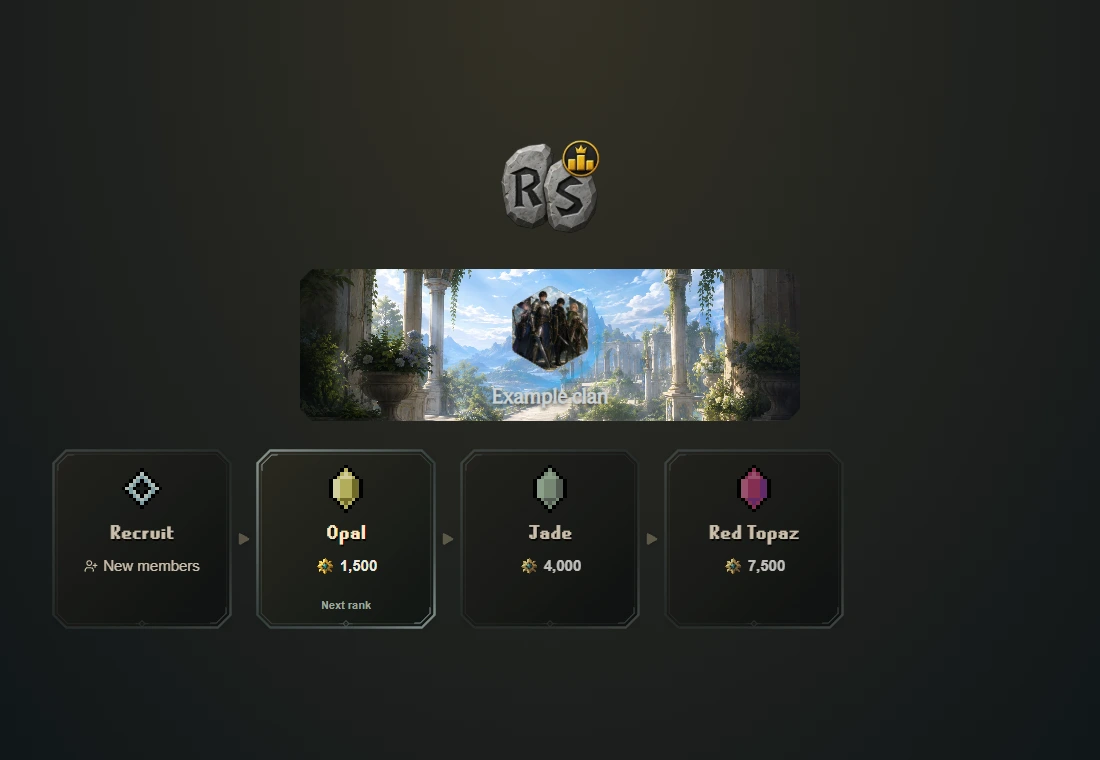
OSRS clan tools / Discord bot
OSRS clan Discord bot
The Anemity Discord bot connects your clan's Discord server to its OSRS progress. New members start from a pinned setup guide, and standings and review requests appear where your clan already talks.
See how it worksGuided setup for clan staff
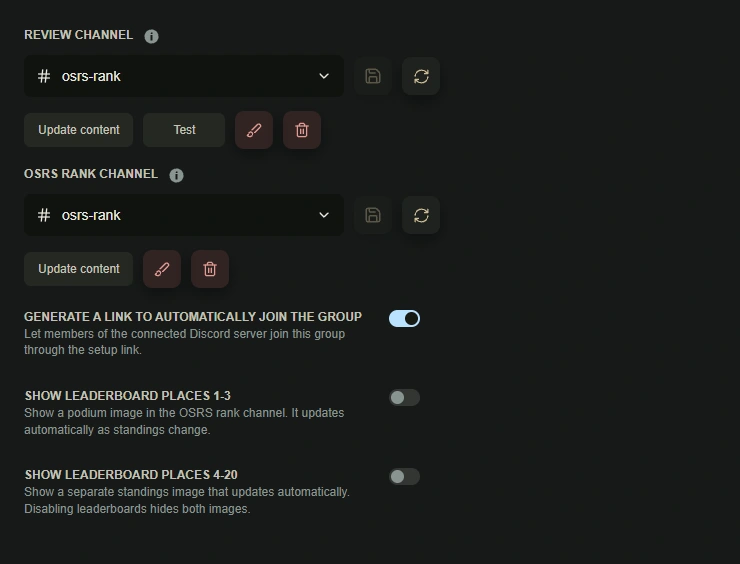
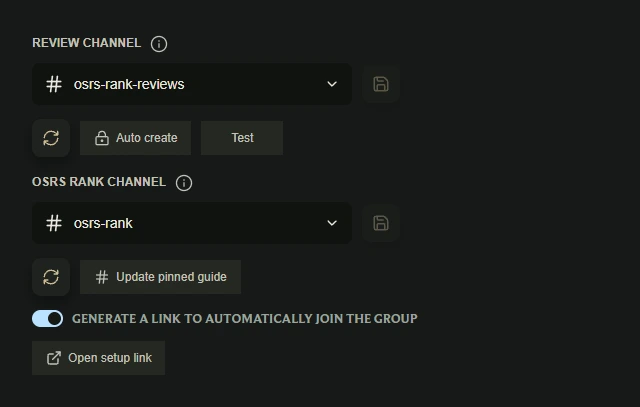
From the group's integration settings, staff enable Discord and connect the clan's server. They then choose existing channels or create a review channel and an OSRS rank channel.
Standings in your rank channel
The OSRS rank channel can show an automatically updated top-three podium and a separate places 4-20 standings image. Staff can enable either view.
Rank and account reviews
Rank-review and account-connection messages arrive in the review channel, so staff can see what needs a decision and what was decided.
A pinned guide for new members
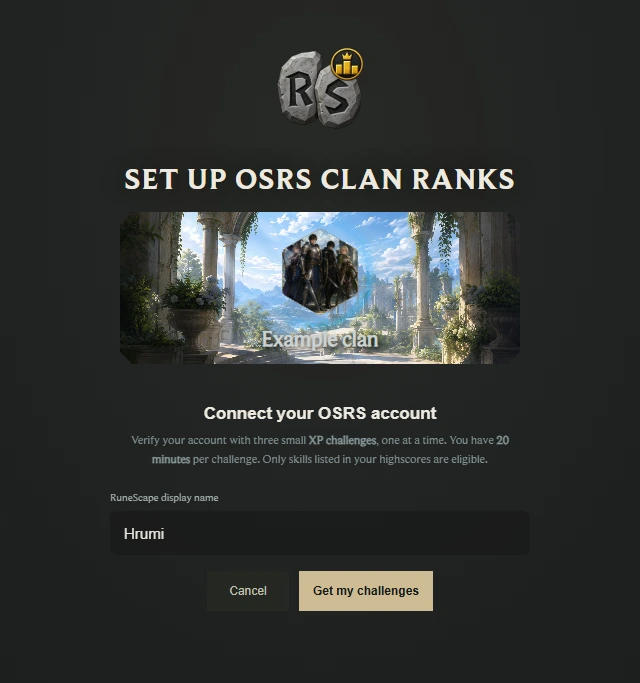
The rank channel's pinned guide opens Quick setup: Discord sign-in, group access, OSRS account connection and WikiSync checks in one flow. Members do not need an existing Anemity account.
The setup checks membership in the connected Discord server before joining the Anemity group. It does not add anyone to the in-game clan.
Activity posts and commands
Group activity can be posted to a Discord channel as illustrated updates with a button back to the website. Staff choose which events appear.
Use /a help or !a help to browse the bot's commands by category.
Questions from clan leaders
How do we add the bot to our server?
Create your clan's group on Anemity, open its integration settings and follow the Discord setup. It guides staff through connecting the server and choosing channels.
Does the bot give Discord roles for OSRS ranks?
Not currently. The rank channel shows standings, and staff confirm ranks in Anemity after applying them in game. Separately, staff can import Discord server roles as Anemity group roles and apply them to members with connected Discord accounts.
Who controls what the bot posts?
Clan staff. They choose the channels, which activity events appear and whether the podium and standings images are shown. Channel controls explain what will be removed before purging messages or deleting a channel.
Does Anemity change ranks in game?
No. Anemity shows who has earned a rank and collects it for review. Clan staff apply the rank in Old School RuneScape, then confirm it in Anemity.
Clan staff can connect Discord from their group's integration settings. Members can follow the pinned guide in your rank channel.
Set up your clan freeAnemity is not affiliated with or endorsed by Jagex. Old School RuneScape and RuneScape are trademarks of Jagex Ltd.