


Latest news / Feature update
Bring more to the conversation
Share files in text channels, conversations, posts, and request posts - right where the discussion happens.
Read the storyA route sketch. A party guide. A screenshot that explains the problem rather better than “it did that thing again”. File uploads are now supported across text channels, conversations, posts, and request posts. The useful bits can stay with the discussion.
A better look at what’s inside
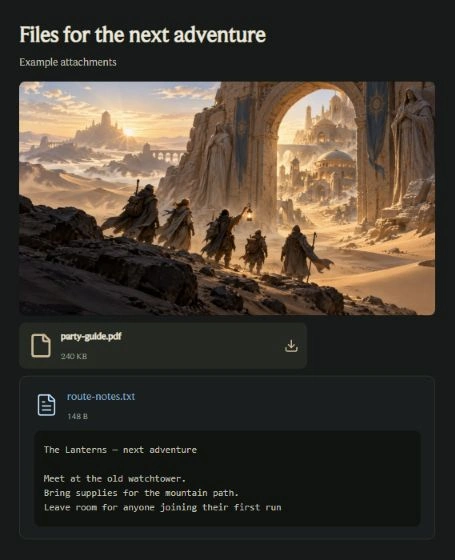
Images and supported video can be viewed as media, audio has playback controls, and supported text files can be previewed in the discussion. Other files, including documents such as PDFs, appear as download cards.
The filename helps everyone recognise what they’re opening. Give your files useful names, and keep a short explanation in the message or post alongside them. “Here’s the route for Saturday” goes a long way.
Room in the pack
- 6
Files per batch
Review them together before sending.
- 10 MB
Per file
The maximum size of each attachment.
- 100 MB
Per day
Shared with content-image uploads; resets at midnight UTC.
- 30
Per hour
The hourly file-upload allowance.
These limits apply to file attachments. If a file is too large, choose a smaller version before sending.
Share with the right audience
Attachments are shared with the audience of their conversation, channel, or post. Check the destination before sending, especially when a screenshot includes personal information.
A file attached to public content should be treated as public too. Stored file protection does not change who you choose to share it with.
The next time words need a little help, bring the map, the guide, or the screenshot along. We’re looking forward to seeing the adventures you organise with them.
Open AnemitySee you on the next adventure,
The Anemity team